Loading...
Convert PDF to Word Online Easily with PDFlyer
By Admin on January 17, 2026
Last updated: Invalid Date
Working with PDF files is part of daily digital life, but editing them can be challenging. PDFs are designed to preserve layout, not to be modified. That’s why converting a PDF into an editable Word document is often the smartest solution.
With PDF Flyer, you can convert PDF to Word online quickly, securely, and directly in your browser—no installation and no registration required.
Why Convert PDF to Word?
Converting a PDF to Word allows you to:
- Edit text and formatting easily
- Reuse content without retyping
- Update documents faster
- Collaborate more efficiently
PDF Flyer makes this process simple and accessible for everyone.
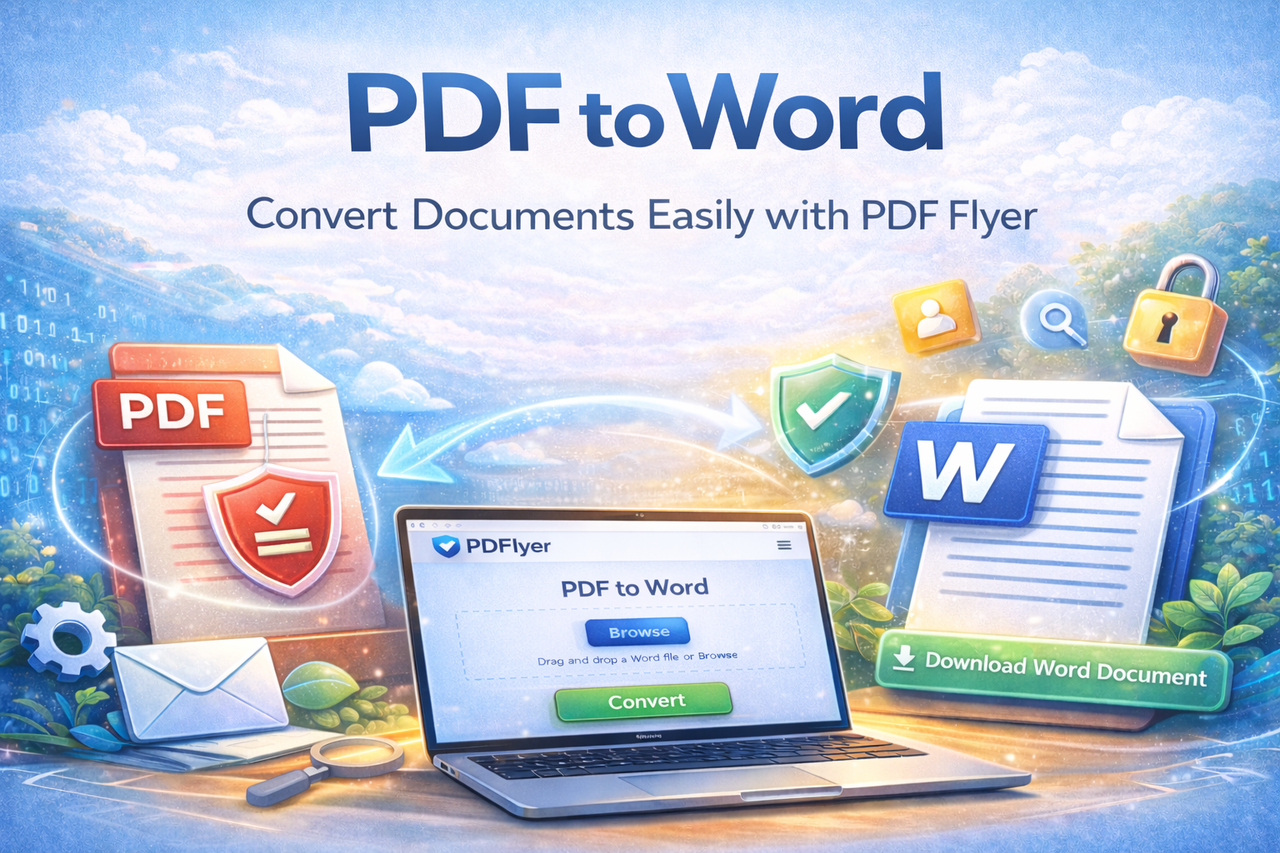
How to Convert PDF to Word Using PDF Flyer
Follow these simple steps to convert your PDF file into an editable Word document.
Step 1: Open the PDF to Word Tool
Visit the PDF to Word tool on PDF Flyer.
The tool will open in a new window, ready for file upload.
Step 2: Upload Your PDF File
Click on Browse to select the PDF file you want to convert, or simply drag and drop the file into the upload area.
After uploading, confirm that the file name is visible. This indicates the file has been uploaded successfully.
Once confirmed, click on Convert to start the process.
Step 3: Download the Converted Word File
Wait a few seconds while the conversion is completed.
Once finished, you will see the option to download your Word file.
Click Download and your document will be ready to edit and use.
Secure and User-Friendly Conversion
PDF Flyer focuses on simplicity and responsible file handling while completing the requested task. The tool is fast, reliable, and works smoothly on all modern devices.
Need Help or Want to Share Feedback?
If you face any issues while using the PDF to Word tool or have questions, feel free to share your feedback. We are always happy to help.
To convert your files instantly, you can use the PDF to Word tool available on PDF Flyer.